


The question "What is web design?" is a critical starting point for brands that want to establish a strong position in the digital world. A brand's online presence...
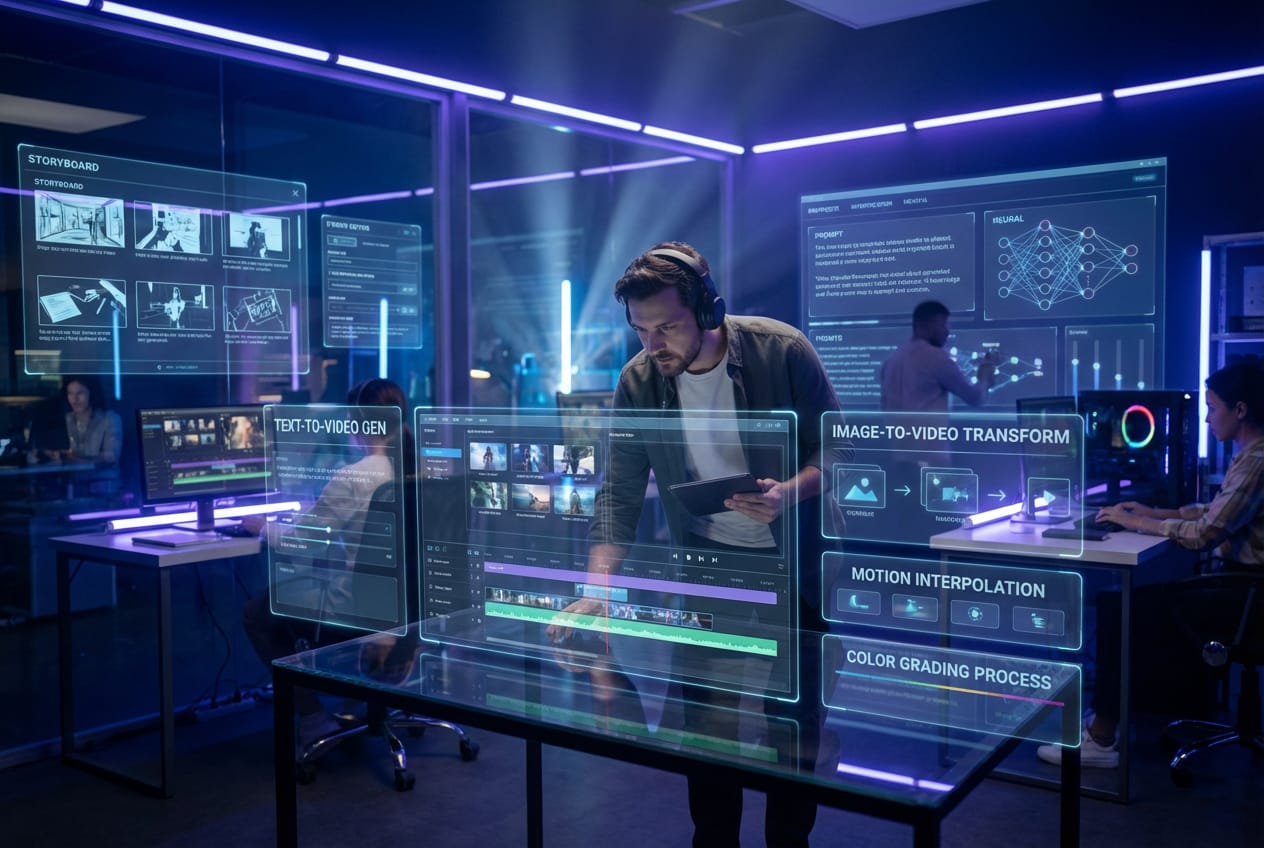
The question of how to make AI video is revolutionizing the world of content creation. Brands no longer want to wait for weeks-long production processes; they want to produce cinematic videos in minutes. AI doesn't just generate animation. It plans camera movement, sets up lighting, shapes the atmosphere, and even integrates sound design into the scene. This transformation directly impacts marketing speed. Brands that choose the right tools gain a significant competitive advantage. In this guide, we clearly examine the AI video process and the most powerful tools.
What is AI Video?
AI video is a method of automatically generating video from text commands or visual references. You describe the scene, and the model creates the image according to that description. Some models generate video solely from text, while others animate the visuals. Advanced systems also incorporate sound design and atmosphere into the scene. This technology significantly speeds up the advertising and social media industries, reducing production costs and allowing brands to conduct more creative testing.
Short answer: AI video allows you to quickly and automatically generate videos using written commands. Brands can use this system to produce more variations and improve campaign performance.

How does AI Video work?
AI video models utilize deep learning infrastructure trained on large datasets. You write a prompt, and the model converts that text into a scene command. Then it creates the image, motion, and composition. Advanced models apply physics simulations and produce more realistic results. Some systems add sound design directly to the scene. As model quality improves, so does output quality.
How to Create AI Videos? (Step-by-Step)
First, clarify your goal. Decide whether you want to increase sales or strengthen brand awareness. Then, define your target audience and write a strong opening sentence. Enter detailed prompts into your chosen AI video tool. Clearly specify the camera angle, lighting tone, and atmosphere. Analyze the output and create new variations. Optimize performance by repeating this process, especially during major launch periods. campaign and launch designs Integrating AI video production provides a significant advantage to the brand.
Short answer: Set goals, choose the right tool, write a detailed prompt, and improve through testing.
Best AI Video Tools
Seedance 2.0
Seedance 2.0 produces video from text, but not like a typical model. The model plans camera movement, maintains lighting consistency, and realistically creates depth of field. In action scenes, it designs character movement naturally and reduces perspective distortions. Therefore, the resulting video looks like professional footage, not an AI output. Seedance offers significant advantages when automotive, technology, and sports brands want to produce cinematic commercials. However, you need to consider copyright risks and access restrictions. For projects requiring professional filming... photo and video production The process needs to be planned correctly.
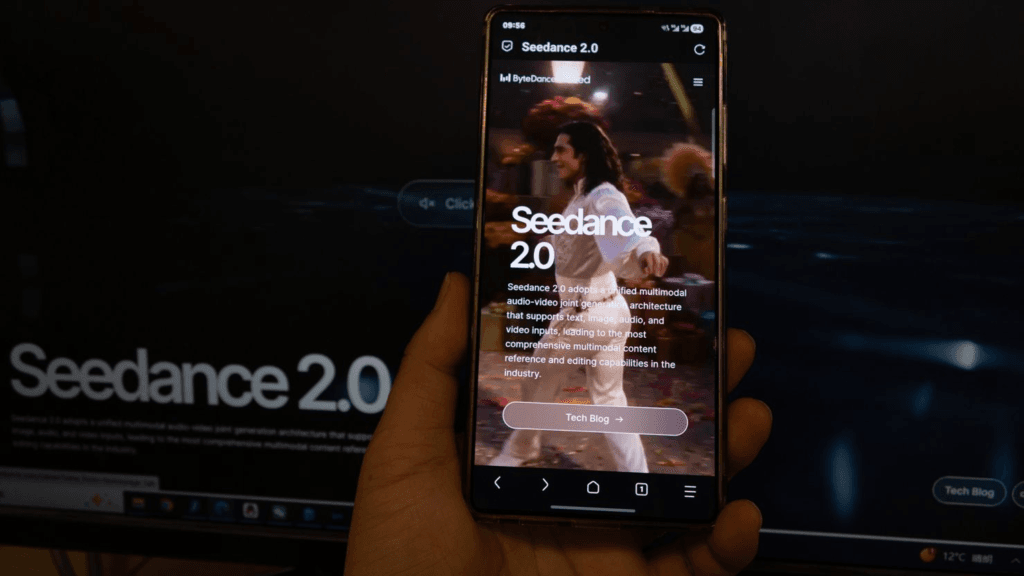
Advantages: Realistic action, high quality.
Disadvantages: Copyright disputes may result in restricted access.
Google Veo 3.1
Google Veo 3.1, Google's advanced text-to-video model, excels particularly in realistic scene production and cinematic quality. The model maintains context in long scenes, naturally plans camera movements, and keeps lighting consistency at a high level. It stands out especially in branding films, launch videos, and product-focused storytelling projects. Veo 3.1's biggest advantage is its ability to produce detail without disrupting scene integrity; this prevents videos from feeling like they have an "AI effect." However, access limitations and high processing power requirements may be challenging for some teams. If you establish a strong script and clear prompt structure, Google Veo 3.1 will produce results close to professional production quality and position your brand more premium.
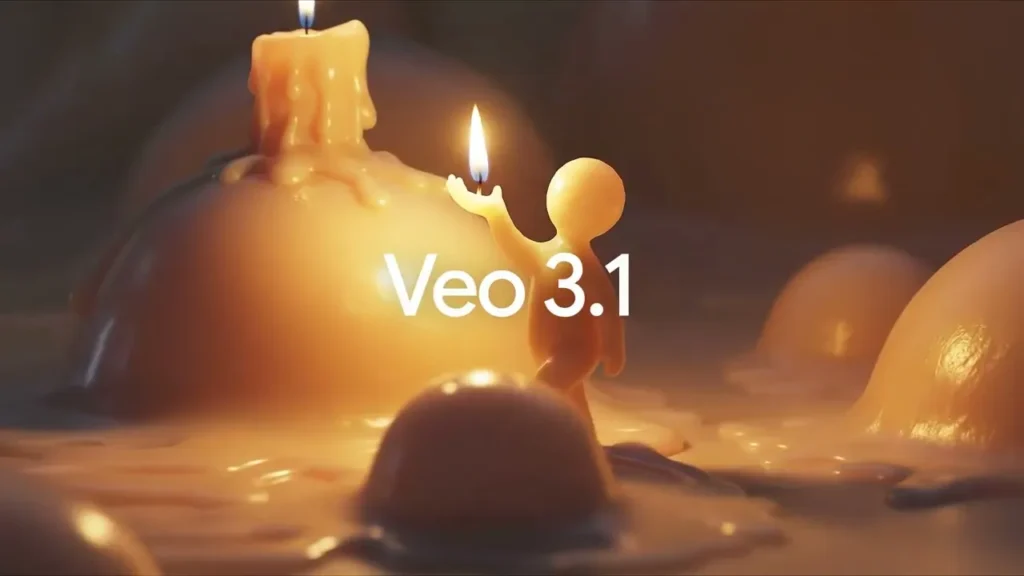
Advantages: Long scene consistency, high cinematic quality, natural camera movement.
Disadvantages: Access may be restricted, and it requires intensive processing power.
Sora
Sora, Seedance excels at producing long and consistent scenes. The model maintains the flow of the story and plans scene transitions in a controlled manner. Therefore, it stands out in brand film and storytelling projects. While Seedance is aggressive on the action side, Sora manages dramatic storytelling better. However, access limitations and high processing power requirements may be challenging for some teams.
Advantages: The storytelling is strong, and the context is consistent.
Disadvantages: Access and rendering times may be limited.
Kling AI
Kling AI It produces natural character movement thanks to realistic physics simulation. It delivers fluid results in running, jumping, and camera-following scenes. It stands out especially in short action videos and performance commercials. However, you need to write detailed prompts for high quality. Otherwise, the model's full potential will not be revealed.
Advantages: Fluid movement is ideal for social media.
Disadvantages: Prompt sensitivity is high.
Luma AI
Luma AI, Luma AI is an AI video model that excels particularly in 3D scene production and spatial depth creation. The model renders camera transitions and perspective more realistically, resulting in a professional look for product presentations, architectural visualizations, and launch videos. Luma's most notable feature is its successful rendering of volume and distance within a scene, preventing videos from feeling like flat animations. It offers a significant advantage, especially for e-commerce brands wanting to showcase their products in a cinematic yet controlled environment. However, it doesn't produce the same aggressive and dynamic results as Seedance or Kling in action scenes. When used with the right prompts and clear scene definition, Luma AI allows brands to create impressive visual content with a high-production feel on a low budget.
Advantages: 3D quality, suitable for launch.
Disadvantages: Limited in action production.
Runway
Runway, Runway is a user-friendly AI video platform that combines both text-to-video production and advanced video editing features. It provides a practical production environment, especially for agencies and marketing teams, as it not only creates videos from scratch but also offers tools for editing existing videos, changing backgrounds, removing objects, and expanding scenes. Thanks to this hybrid structure, Runway accelerates the creative testing process and integrates production and post-production from a single dashboard. While it may not appear as aggressive in terms of cinematic quality as Seedance or Sora, it offers significant advantages in terms of ease of use and flexibility. It's a powerful solution, especially for teams that want to quickly produce variations in performance campaigns. When used with the right strategy, Runway is an efficient agency-level AI video tool that strikes a balance between speed and control.
Advantages: Easy to use, quick testing capability.
Disadvantages: Ultra-cinematic quality may be limited.
Pica
Pica, Pika is a practical AI video tool optimized for producing short-format social media videos. It's ideal for fast-paced platforms like Reels, TikTok, and YouTube Shorts, as it generates attention-grabbing content quickly with simple prompts. Its user-friendly interface requires no technical knowledge and speeds up the creative testing process. Its rapid scene generation and fast-paced transitions give it an advantage in creating 3-second "hook" videos for performance campaigns. However, quality may be limited in longer, cinematic narratives. When used with the right editing, Pika is an effective and accessible AI video solution for brands and content creators looking for rapid growth.
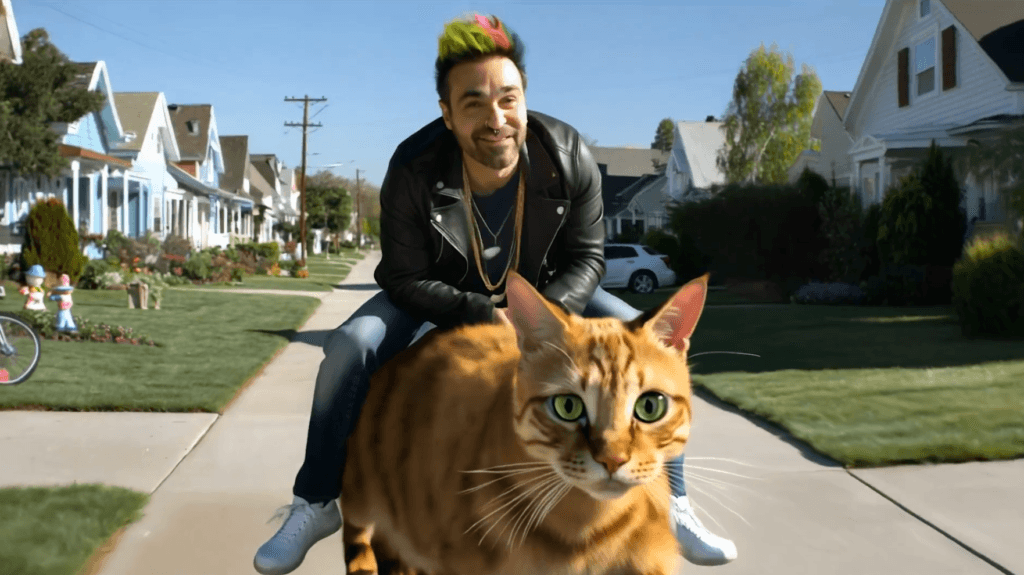
Advantages: Fast production.
Disadvantages: Video quality may decrease in longer videos.
CapCut AI
CapCut AI, CapCut AI is a user-friendly AI video solution developed especially for content creators and small brands who want to produce content quickly. Thanks to its mobile-compatible structure, it allows you to easily create videos, add automatic subtitles, remove backgrounds, and apply smart effects without requiring technical knowledge, answering the question of "how to make AI video". Speed is a huge advantage, especially for users who create content in TikTok, Reels, and Shorts formats. Ready-made templates and automatic transition effects make it possible to produce publishable content in minutes. However, it is not as powerful as Seedance or Sora in producing cinematic quality or complex action scenes. When used with the right strategy, CapCut AI is an efficient and accessible production tool for teams that want to conduct rapid testing and increase their social media content volume.
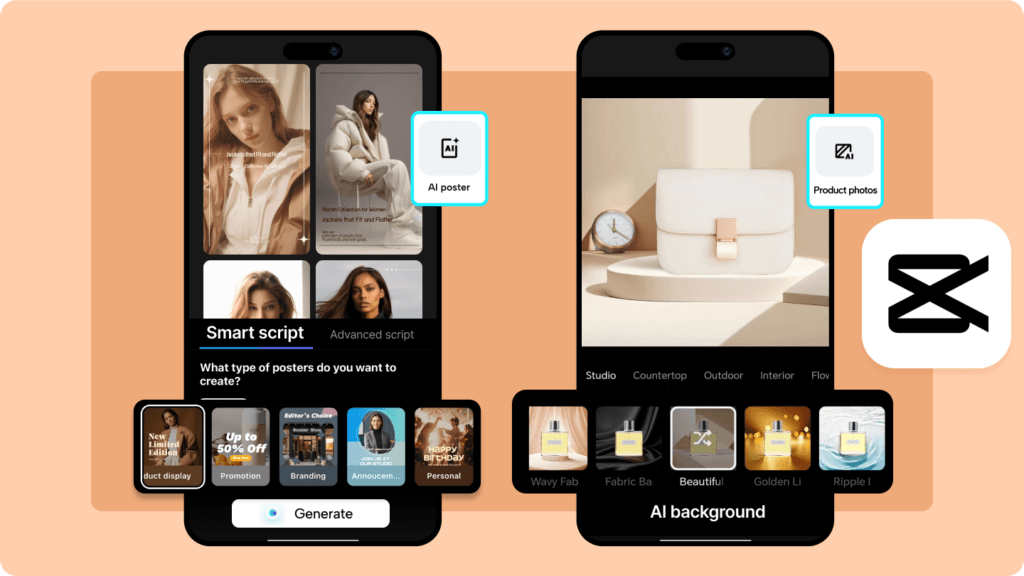
Advantages: Easy to use.
Disadvantages: It does not offer professional film quality.
Pixverse
Pixverse, Pixverse is a practical AI video tool developed specifically for fast video production, particularly focused on social media. It produces visually appealing outputs quickly with simple and clear prompts, making it suitable for performance campaigns and short advertising variations. Its user interface is simple, requiring no technical knowledge and speeding up the production process. It delivers successful results with vertical format videos and supports a testing culture thanks to its fast export options. However, it's not as powerful as Seedance or Sora in terms of cinematic depth and stylistic variety. When used with the right creative strategy, Pixverse is an efficient and accessible solution to the question of "How to Make AI Videos?", especially for brands that want to produce content quickly on platforms like Reels and TikTok.
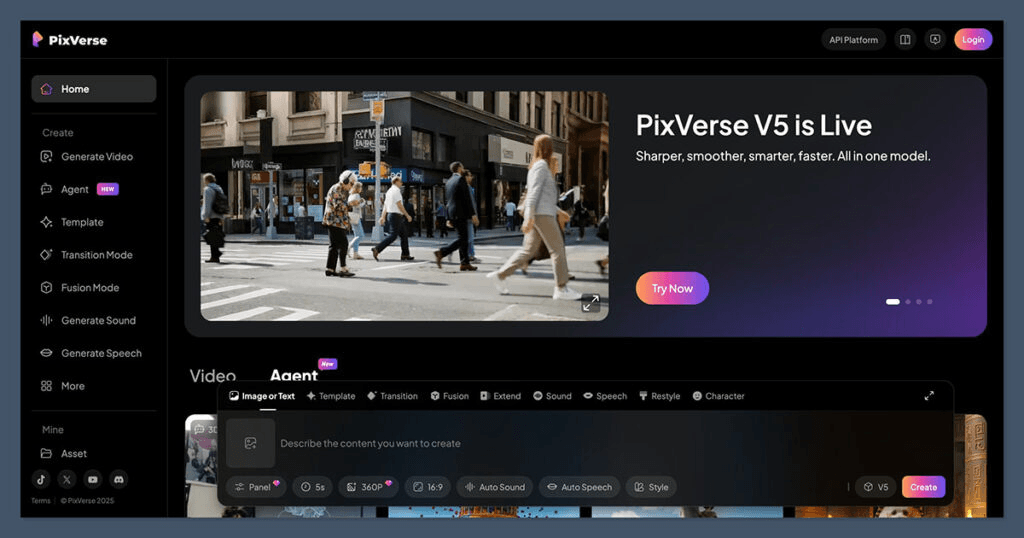
Advantages: Practical design.
Disadvantages: The depth of style is limited.
Viggle AI
Viggle AI, Viggle AI is an AI video tool that excels particularly in character animation and motion-based content creation. This model takes a character as a reference and imbues them with natural and fluid movements, making it easy to produce dance, walk, or trending action videos. It's ideal for creating engaging and entertaining videos, especially for social media-focused content like TikTok and Reels. Users can integrate an existing character into different scenes and quickly create shareable content. However, it doesn't reach the level of Seedance or Sora in terms of cinematic quality, deep scene composition, and dramatic lighting. When used with the right concept, Viggle AI offers an effective and creative solution for brands and content creators who want to quickly adapt to trending culture.
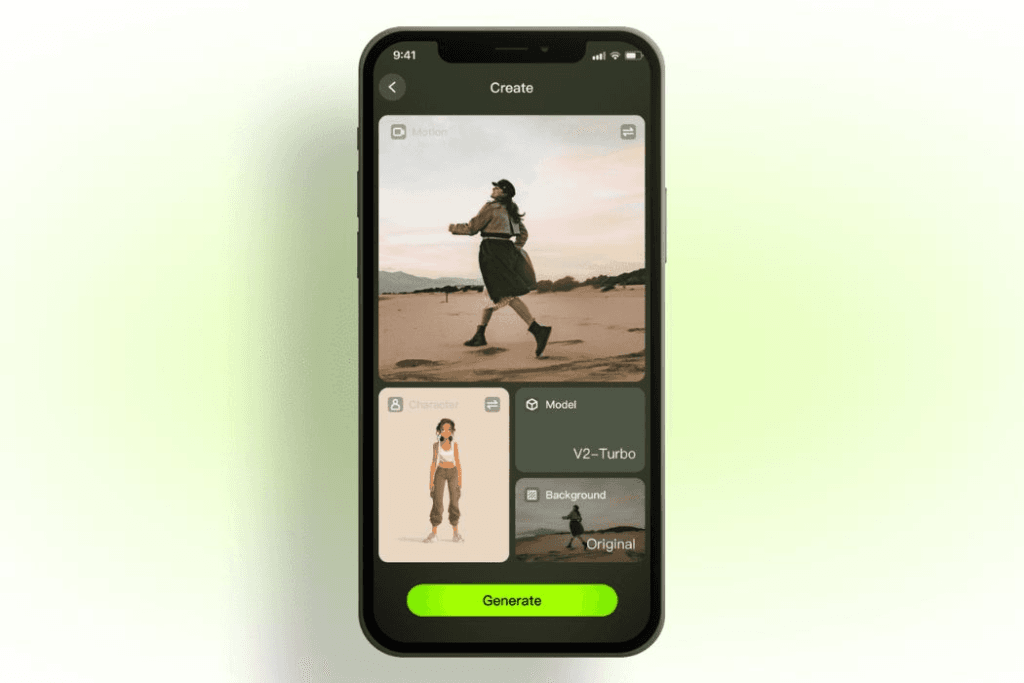
Advantages: The character development is successful.
Disadvantages: The cinematic quality is poor.
Hailuo AI
Hailuo AI, Hailuo AI is an AI model that excels in stylized and aesthetically focused video production. It performs particularly well in creating atmosphere, color palette, and visual emotion, making it suitable for artistic campaigns and creative brand projects. The model adds dramatic lighting and original composition to the scene, giving it a more “designed” look. While not as focused on physical realism as Seedance or Kling, it offers an advantage in creating visual identity. It's a strong alternative for brands seeking differentiation in the fashion, cosmetics, and creative industries. However, it may be limited in projects requiring fast-paced action or lengthy storytelling. With the right concept and a strong art direction approach, Hailuo AI can help your brand produce aesthetically unique content.

Advantages: Artistic atmosphere.
Disadvantages: Realism may be limited.
AI Video Tools Comparison
| Vehicle | Video Quality | Realism | Long Video Production | Action Performance | Ease of Use | Free Trial | Optimal Use | Its strength | Weakness |
|---|---|---|---|---|---|---|---|---|---|
| Seedance 2.0 | ⭐⭐⭐⭐⭐ | Very High | Middle | ⭐⭐⭐⭐⭐ | Middle | Annoyed | Cinematic commercial, action movie | Film quality, dramatic lighting, powerful action. | Copyright risk, access restrictions. |
| Google Veo 3.1 | ⭐⭐⭐⭐⭐ | Very High | ⭐⭐⭐⭐⭐ | ⭐⭐⭐⭐ | Middle | Limited | Brand film, premium launch | Long scene consistency, natural camera. | Limited access, high processing power. |
| Sora | ⭐⭐⭐⭐⭐ | Very High | ⭐⭐⭐⭐⭐ | ⭐⭐⭐⭐ | Middle | Limited | Storytelling, long narrative | Context preservation, dramatic structure | Rendering time is long. |
| Kling AI | ⭐⭐⭐⭐ | High | Middle | ⭐⭐⭐⭐ | Middle | There is (restricted) | Short action, performance advertisement | Natural physics engine, fluid motion | High prompt sensitivity. |
| Luma AI | ⭐⭐⭐⭐ | High | Middle | ⭐⭐⭐ | Easy | There is | Product launch, 3D presentation | 3D depth, camera transitions. | Action limited |
| Runway | ⭐⭐⭐⭐ | Medium-High | Middle | ⭐⭐⭐ | ⭐⭐⭐⭐⭐ | There is | Agency production, rapid testing. | Video editing + production combined. | Not ultra-cinematic. |
| Pica | ⭐⭐⭐ | Middle | Low | ⭐⭐⭐ | ⭐⭐⭐⭐⭐ | There is | Reels, TikTok | Fast output, user-friendly. | Video quality decreases in longer videos. |
| CapCut AI | ⭐⭐⭐ | Middle | Low | ⭐⭐ | ⭐⭐⭐⭐⭐ | There is | Influencer content | Mobile compatible, quick assembly. | Not professional production level. |
| Pixverse | ⭐⭐⭐ | Middle | Low | ⭐⭐⭐ | ⭐⭐⭐⭐ | There is | Social media advertising | Fast export, simple interface. | Style depth is limited. |
| Viggle AI | ⭐⭐⭐ | Middle | Low | ⭐⭐⭐ | ⭐⭐⭐⭐ | There is | Character animation | Trend movement generation | Cinematic weakness |
| Hailuo AI | ⭐⭐⭐⭐ | Middle | Middle | ⭐⭐⭐ | Middle | Annoyed | Artistic campaigns | Aesthetic style, atmospheric power | Realism is limited. |
Which AI Video Tool Should You Choose?
The most critical part of answering the question of how to make AI video is tool selection. If you want cinematic quality, choose Seedance or Sora. Pika and CapCut are more suitable for fast social media production. Luma stands out for product launches. However, whichever tool you choose, don't start production without strategic planning. With the right target, the right message, and the right optimization, AI video production becomes a powerful growth engine for your brand.

Choosing the right Mobile App Development Company directly impacts the fate of your digital investment. You don't just get an app developed; you get your brand...

The question "What is digital marketing?" puzzles anyone looking to grow their brand. Today, consumer behavior changes rapidly, and brands have a presence on digital channels…