


The question "What is web design?" is a critical starting point for brands that want to establish a strong position in the digital world. A brand's online presence...
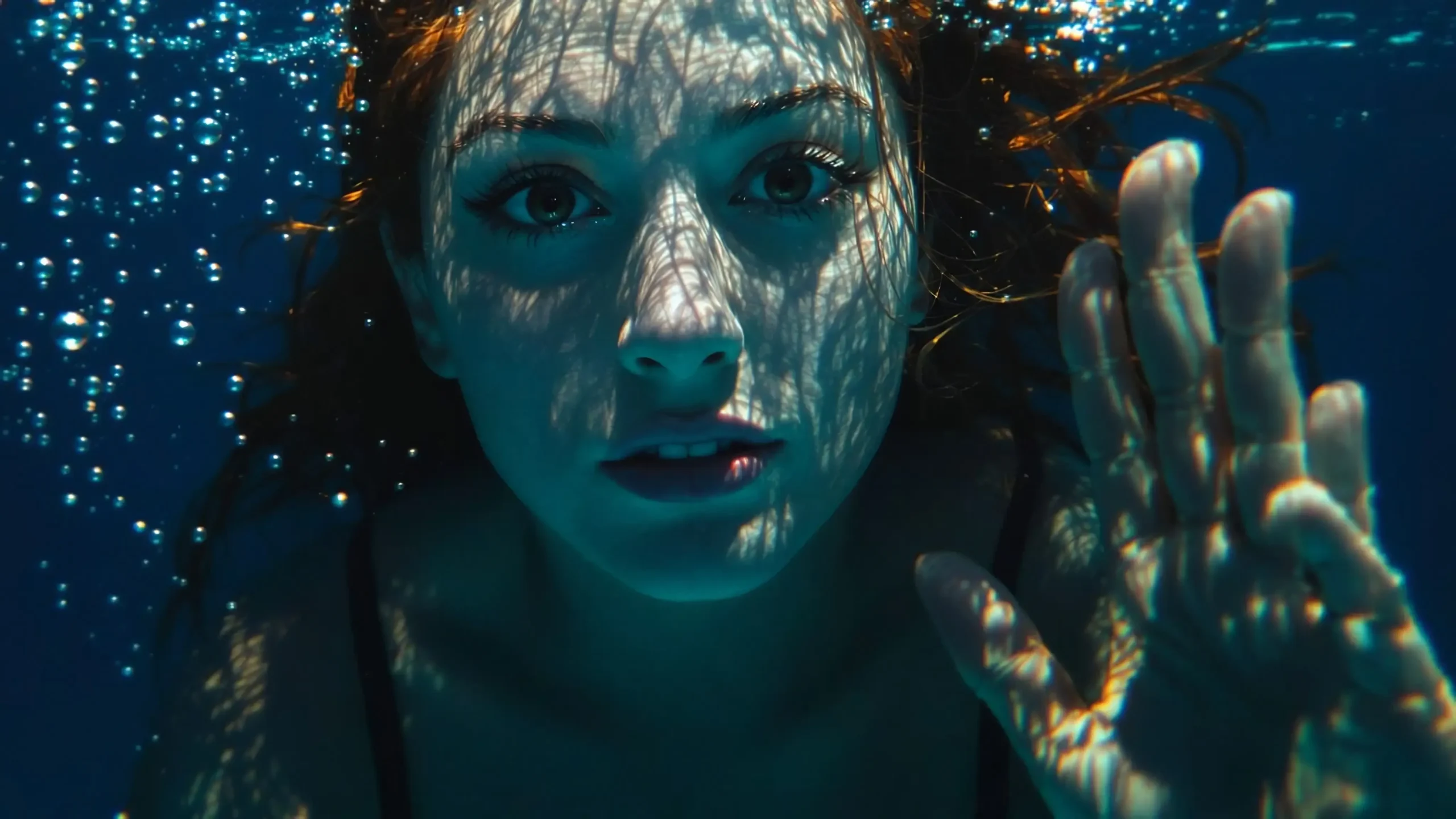
If you're looking for the best AI tools for creating visuals, you've come to the right place. Today, brands are turning to these technologies to increase content production speed and create eye-catching designs. However, not all tools offer the same quality. Therefore, making the right choice is critical. This decision becomes even more strategic for brands that prioritize budget and performance balance. In this guide, we compare powerful options and clearly highlight the differences between them. We also explain their advantages with concrete examples and show you how to choose based on use cases. Furthermore, we evaluate which tool is more suitable for which goal within a simple framework. Ultimately, this content will speed up the decision-making process and save you from unnecessary trial-and-error costs.
What is the best AI for creating visuals and how does it work?
The best AI systems for creating visuals analyze text commands and generate images that match those commands. You write a short description; the system then interprets the command and creates a unique design. These tools are trained with large datasets and intelligently optimize details such as style, lighting, and composition. They significantly speed up processes, especially in advertising, social media, and e-commerce. Therefore, they accelerate the design process and provide cost advantages. However, if you don't choose the right model, the quality may fall short of your expectations. Therefore, you need to make your tool selection consciously.
Most of these systems utilize advanced generative AI architectures. For example, Midjourney excels in producing aesthetically pleasing and cinematic outputs. Flux.2 Pro Edit and Seedream 4.5 deliver strong results in photorealism. On the other hand, Nano Banana Pro offers advantages in projects focused on character consistency and storytelling. Furthermore, Kling 3.0 Image stands out in cinematic scene production, while Leonardo.Ai excels in concept design and game visuals. Ultimately, you should choose a model based on your target audience and intended use, and be sure to test its compatibility with your brand identity.
The Best AI Visualization Tools Standing Out in 2026
Many options are available on the market, but some tools stand out significantly in terms of quality and control. This difference is especially noticeable in professional projects. Midjourney produces artistic and aesthetic outputs, making it a strong choice for creative campaigns. However, Nano Banana Pro offers more realistic and detailed compositions, providing an advantage in projects requiring character consistency. On the other hand, Flux.2 Pro Edit and Seedream 4.5 stand out in terms of photorealism and high resolution. Furthermore, Leonardo.Ai offers flexibility in concept design and game visuals. Therefore, when making a choice, you should focus not only on aesthetics but also on the intended use. Ultimately, especially in commercial projects, you should carefully examine the licensing terms and compare the output resolution and editing capabilities.
If you want to create a professional visual strategy for your brand, simply choosing the right tools isn't enough. You need to position the visuals correctly. At this point... brand positioning I suggest you clarify the process. Because correct positioning directly affects the tone and style of the visuals you produce. Therefore, you should proceed with a strategy to get the maximum benefit from artificial intelligence.
Best AI-generated visuals in reviews.
Midjourney
Free version: No
Premium price: Monthly rates start from 10$.
Maximum resolution: Up to 2048×2048 (depending on the plan)
Midjourney is currently considered the most aesthetically pleasing and artistic AI visual model, particularly strong in cinematic lighting, dramatic composition, and style production.

How does Midjourney work?
Midjourney It operates via Discord and manages the production process through a chat-based structure. It generates four different visuals for each prompt you write; you can then choose from these visuals. You can then enhance the result with upscale, variation, or remix options. Furthermore, advanced settings such as style level, aspect ratio, and chaos parameters allow for more detailed control of the output. Increasing the style value, in particular, leads to more artistic results. Therefore, you not only write text but also consciously direct the production process. Ultimately, Midjourney offers both creative freedom and technical control.
How good is the quality of Midjourney?
Midjourney produces aesthetically striking results. The lighting, atmosphere, and level of detail are very strong. However, it is weak in terms of copywriting and can sometimes be too artistic in product advertising.
How good is it for business use?
Social media creatives are very successful in fashion shoots, concept design, and advertising visuals. However, they should be used cautiously in corporate presentations that require direct product accuracy.
Pros and Cons
Advantages
- The strongest aesthetic quality
- Superior in cinematic scenes
- A leader in style production.
Disadvantages
- Text production is weak.
- The Discord interface isn't practical for everyone.
Google Nano Banana Pro
Free version: Annoyed
Premium price: Varies depending on the platform.
Maximum resolution: 2K–4K
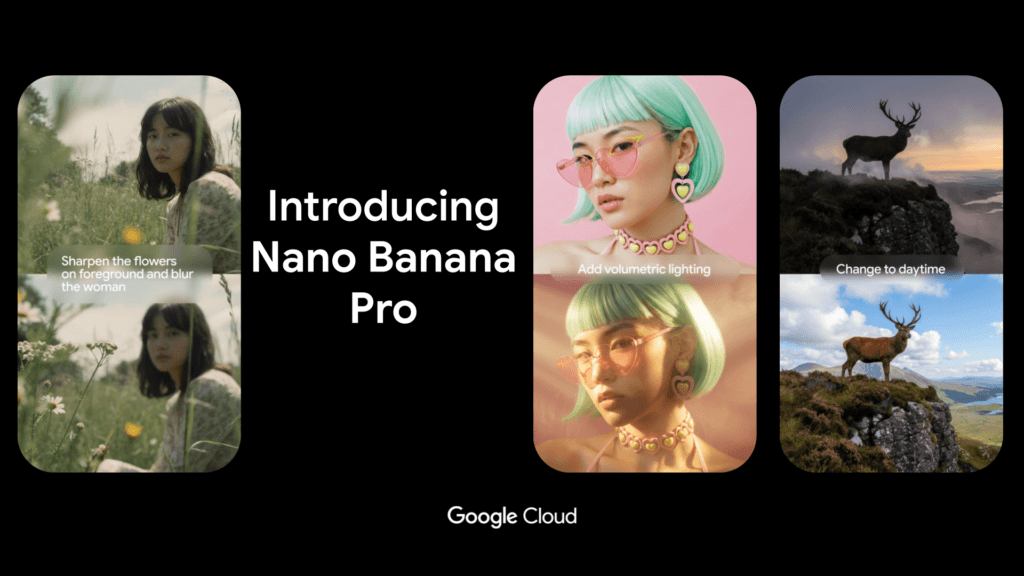
Nano Banana Pro, This model excels in character consistency and cinematic scene production. It delivers strong results, especially when you want to produce the same character from different angles and in different scenes. Furthermore, it exhibits consistent performance in terms of compositional balance and lighting usage. Therefore, it provides an advantage in storytelling-focused projects. Additionally, maintaining stylistic continuity becomes easier thanks to reference visual support. Thus, it's a logical choice for brand mascots, game characters, or series content production. In conclusion, it can be used confidently in projects requiring both visual integrity and narrative flow.
How does Nano Banana Pro work?
You generate visuals by entering prompts. You can upload reference images and ensure character consistency. It's possible to create the same character in different scenes.
How good is the quality?
The photorealism is at a good level. It's not as stylistic as Midjourney, but it produces more balanced results. It's particularly successful in projects where character continuity is required.
How good is it for business use?
Suitable for brand mascots, game characters, or series content creation. Not as powerful as Flux in product advertising.
Pros and Cons
Advantages
- Character consistency is strong.
- Reference-based production
- Balanced composition
Disadvantages
- In ultra-realistic terms, the competitors are stronger.
- Limited in highly stylized art production.
Kling 3.0 Image
Free version: Annoyed
Premium price: Platform connected
Maximum resolution: 2K+
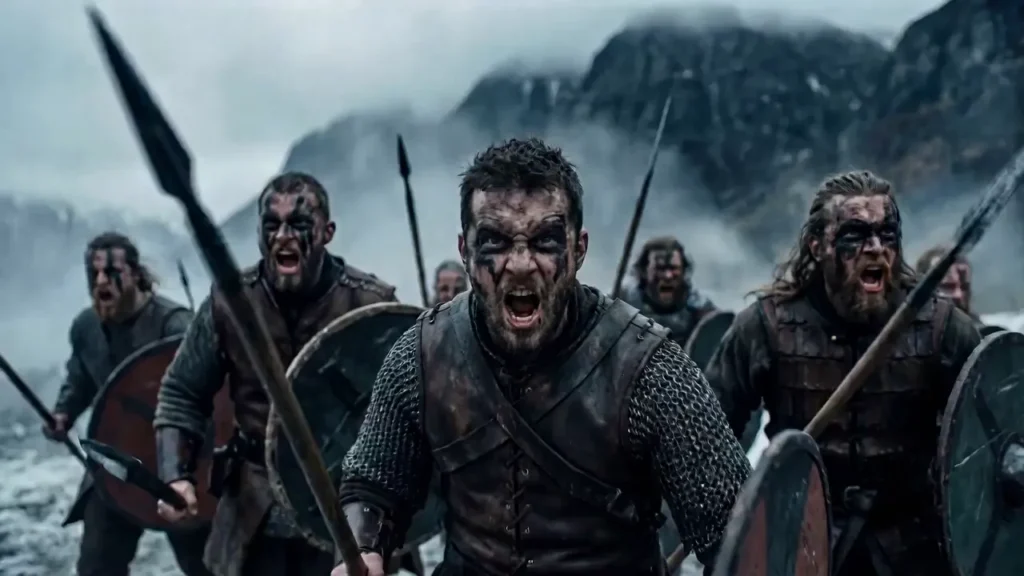
Kling Although generally known for video production, its image model is also strong. It excels particularly in cinematic composition and dramatic scene setup. Furthermore, it creates a balanced perception of framing, lighting, and depth. Therefore, it offers advantages in storyboard preparation and creative concept development processes. Additionally, its ability to quickly generate variations allows you to test different ideas in a short time. Therefore, it wouldn't be accurate to consider it solely a video-focused tool. In conclusion, it offers a noteworthy alternative in visual production as well.
How does Kling 3.0 Image work?
It generates visuals using text commands. It is optimized for creating cinematic compositions.
How good is the quality?
It excels in dynamic and dramatic scenes. However, it's not as technically skilled as Flux in terms of detail control.
How good is it for business use?
Storyboards are suitable for video pre-production and creative concept development.
Pros and Cons
Advantages
- Cinematic framing
- Suitable for storytelling
Disadvantages
- Product images are limited.
- Control parameters are limited.
Grok Imagine
Free version: No
Premium price: X Premium+ included
Maximum resolution: Around 2K
Grok Imagine, It is a visual production model integrated into the X ecosystem. It is specifically developed for social media-focused content creation. However, its rapid visual creation capability offers a practical solution for instant sharing. Nevertheless, it may be limited for those seeking high-level artistic detail or advanced photorealism. Therefore, clearly defining its intended use is important. Furthermore, platform integration provides the advantage of directly sharing content. Therefore, it can be a logical alternative if speed and accessibility are your priorities. In conclusion, it is a functional option for users who produce content primarily for social media.

How does it work?
Metin produces content using prompts. His focus is on social media content creation.
How good is the quality?
It's sufficient for fast production, but not as impressive as Midjourney or Flux.
How good is it for business use?
Suitable for quick social media visuals. May be limited for professional advertising campaigns.
Pros and Cons
Advantages
- Fast production
- Social media integration
Disadvantages
- Not top quality.
- Limited to professional use.
Artlist Original
Free version: No
Premium price: Included in the Artistist subscription.
Maximum resolution: 2K+
Artlist's visual model is designed for content creators. It offers practical solutions, especially for video production, YouTube content, and social media creatives. Furthermore, its user-friendly interface allows you to create content without requiring technical knowledge. However, it may be limited for those seeking a high-level artistic style or advanced photorealism. Therefore, it's important to define your expectations correctly. Also... Artist Its integration with the ecosystem makes it easy to create content compatible with music and video projects. Therefore, it's a logical option for content creators who want to produce fast and functional visuals. As a result, it offers a balanced alternative for performance and speed-focused projects.

How does it work?
It generates scenes using prompts. It works integrated into the content production ecosystem.
How good is the quality?
It offers mid-to-high quality. Suitable for video production creatives.
How good is it for business use?
It makes sense for YouTube thumbnails, ad creatives, and social media content.
Pros and Cons
Advantages
- Suitable for content creators
- Easy to use
Disadvantages
- Not top-level artistic quality.
Flux.2 Pro Edit
Free version: Annoyed
Premium price: Platform connected
Maximum resolution: 2K–4K
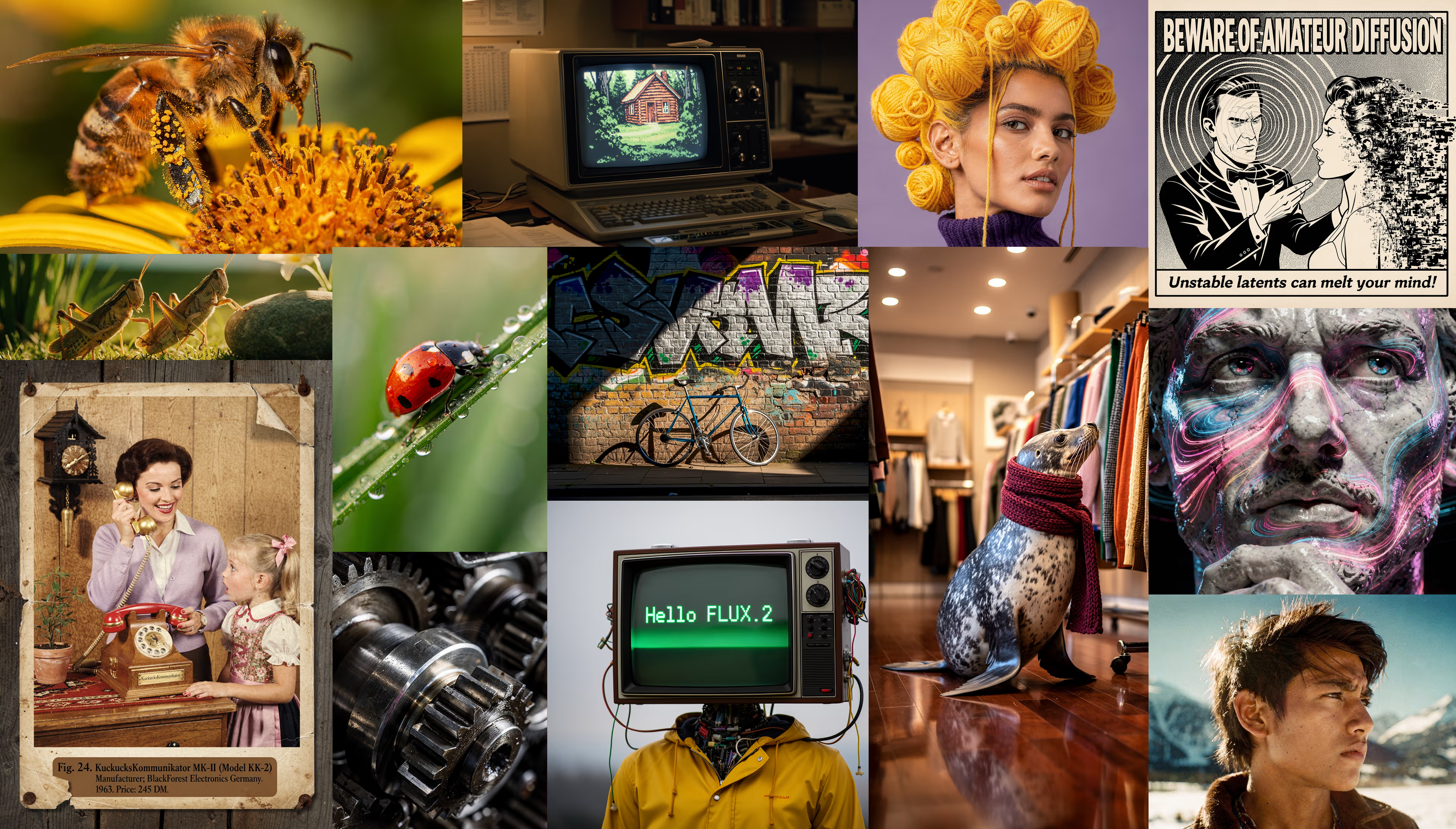
Flux.2 Pro Edit, It stands out with its photorealism and editing capabilities. It provides particularly high accuracy in human faces, product details, and light reflections. Furthermore, it allows you to edit existing visuals, increasing creative control. Therefore, it's a strong alternative in e-commerce and performance advertising projects. Additionally, reference image support makes it easier to produce consistent scenes. So you can choose it not only for creating from scratch but also for optimized creative preparation. In conclusion, it's a balanced and professional solution for those seeking both realistic quality and technical flexibility.
How does it work?
It produces content using text, reference, and editing modes. It can improve existing images.
How good is the quality?
The realistic human figures, product, and lighting quality are very strong.
How good is it for business use?
It is very suitable for e-commerce, product advertising, and performance creatives.
Pros and Cons
Advantages
- High realism
- Reference support
- Edit mode
Disadvantages
- Experience is needed for the best results.
Seedream 4.5
Free version: Annoyed
Premium price: Platform connected
Maximum resolution: 4K
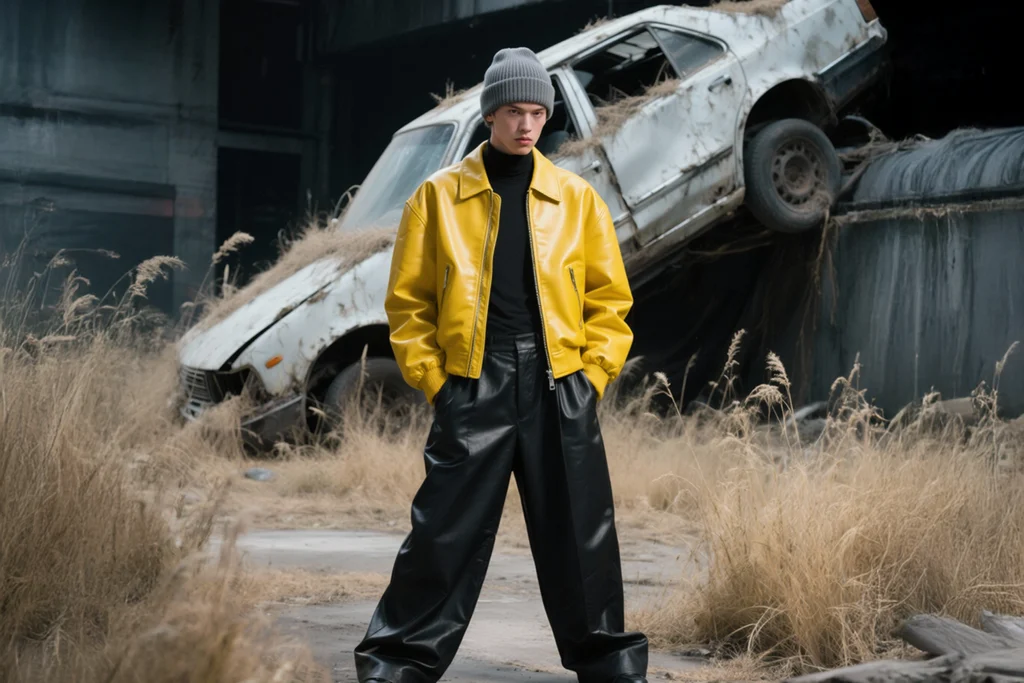
Seedream 4.5, This model focuses on high resolution and photorealism. Its clarity and detail levels are particularly noteworthy in 2K and 4K outputs. Furthermore, it produces consistent results in light, shadow, and material textures. Therefore, it becomes a strong option for advertising campaigns and print materials. Additionally, the reference image support makes it easier to maintain scene integrity. Thus, it's a logical choice for those aiming for high quality in both digital and print projects. In conclusion, it offers a balanced and powerful solution for users who want detail-oriented and professional production.
How does it work?
The text operates using a prompt and reference system.
How good is the quality?
It provides high-resolution and clear results. It's powerful in advertising visuals.
How good is it for business use?
Suitable for campaign visuals and print materials.
Pros and Cons
Advantages
- 4K support
- Photorealistic quality
Disadvantages
- Not as free in style production as Midjourney.
Leonardo.Ai
Free version: Yes (limited credit)
Premium price: Monthly rates start from 10$.
Maximum resolution: 2K+
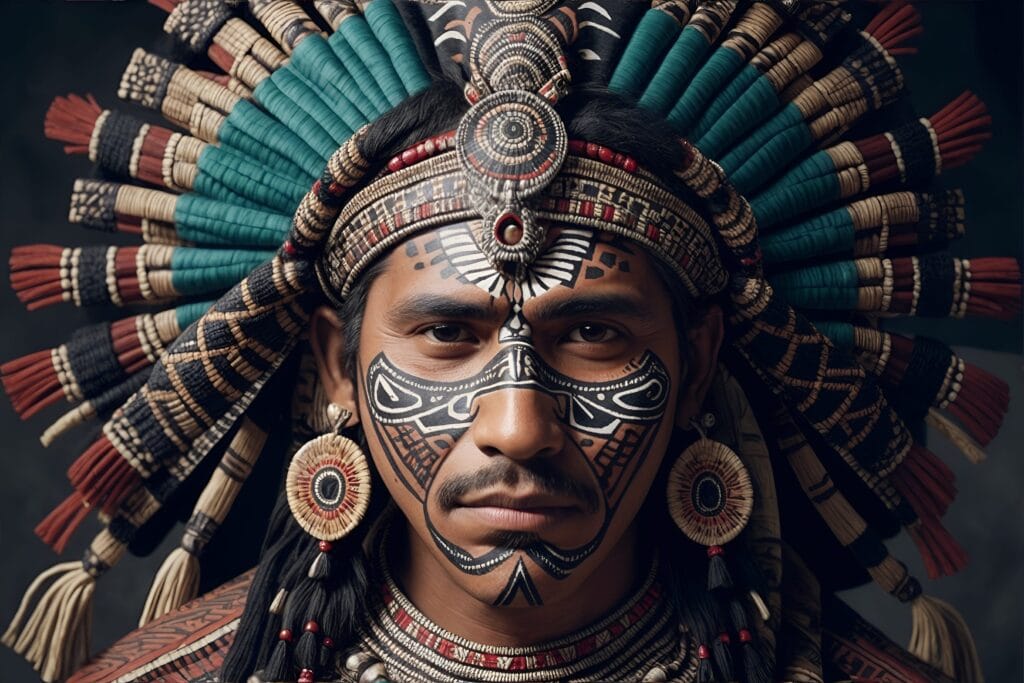
Leonardo.Ai, It is particularly popular among game and concept designers. It delivers strong results, especially in character design and fantasy scene production. Furthermore, thanks to its diverse model options, it provides flexible control over style. Therefore, it is advantageous for users who want to experiment and create variations in creative projects. Additionally, the support of reference images makes it easier to maintain a specific art style. Consequently, it is preferred not only in game development but also in social media and NFT projects. In conclusion, it offers a balanced and accessible solution for designers seeking stylistic diversity and creative freedom.
How does it work?
Metin Prompt produces content. Reference and custom model options are available.
How good is the quality?
He is strong in artistic production. He is successful in character and game design.
How good is it for business use?
Suitable for games, NFTs, concept art, and social media content.
Pros and Cons
Advantages
- Flexible use
- Reference support
- Strong in game design.
Disadvantages
- Not as powerful as Flux in terms of photorealism.
How to Use AI Visualizations in Marketing?
Creating AI-generated visuals isn't enough; you need to use them strategically. First, define your campaign objective and design each visual to serve that objective. Also, regularly measure ad performance and quickly replace visuals with low engagement. At this point... developing an advertising strategy Designing the process correctly provides a significant advantage. Because the right strategy directly increases the return on investment.
Things to Consider When Choosing the Best AI for Visual Creation
When choosing a tool, you should consider both quality and control capabilities. Test how well it can manage prompt detail. Also, examine the output resolution and commercial usage rights. Furthermore, evaluate integration options and check its compatibility with your workflow. Ultimately, choosing the right tool will save you time and strengthen your brand image.
Now it's your turn. Let's work together to determine the best AI-generated visual solution for your brand and build a strong visual strategy. Contact us today, share the project details, and let's finalize your customized action plan. Start standing out from the competition today with the right tools and the right strategy.

Choosing the right Mobile App Development Company directly impacts the fate of your digital investment. You don't just get an app developed; you get your brand...
The question "What is digital marketing?" puzzles anyone looking to grow their brand. Today, consumer behavior changes rapidly, and brands have a presence on digital channels…