


The question of how to do SEO with artificial intelligence has been one of the most talked-about topics in the digital marketing world in recent years. Google algorithms…
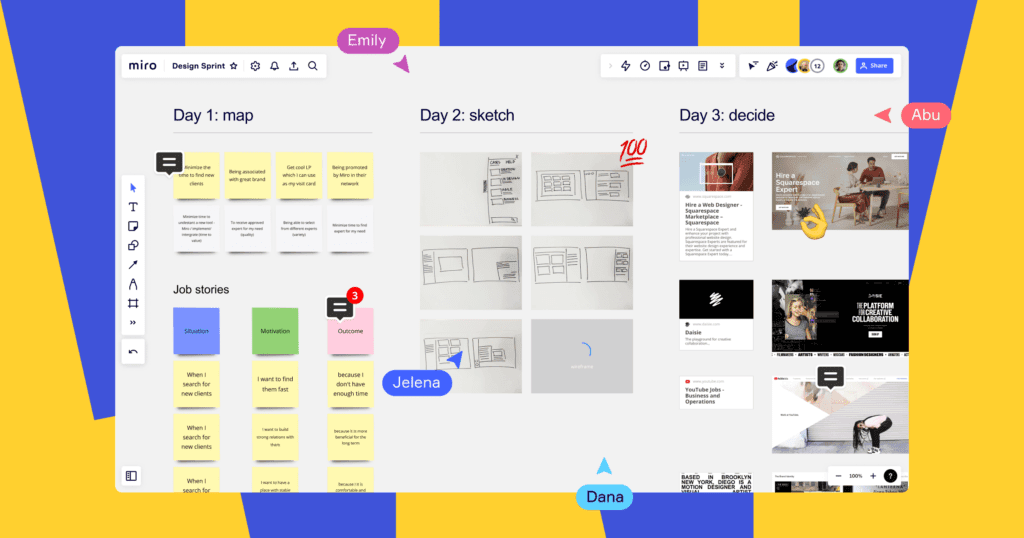
Those seeking a Miro review generally want one thing: to know if teams will actually speed up. In this article, you'll clearly see Miro's strengths. We won't hide its weaknesses either. Whether your goal is brainstorming or project flow, I'll provide a practical framework for making the right decisions. Let's get started.
Miro review: What is Miro and what does it do?
Miro is a collaboration tool that works like an online whiteboard. You and your team work together simultaneously on the same canvas. You add notes, create flowcharts, and draw diagrams. Miro also speeds up work with templates. It makes meetings more tangible, especially in remote work settings. Furthermore, you gather documentation on a single screen, making it easier to track decisions.
Who is Miro suitable for?
Miro is suitable for diverse teams. Product teams create roadmaps. Design teams visualize ideas. Marketing teams plan campaigns. Training teams conduct workshops. If you need quick decision-making, Miro works. Ultimately, it remains flexible, from small teams to large corporations.
Key features and daily usage scenarios
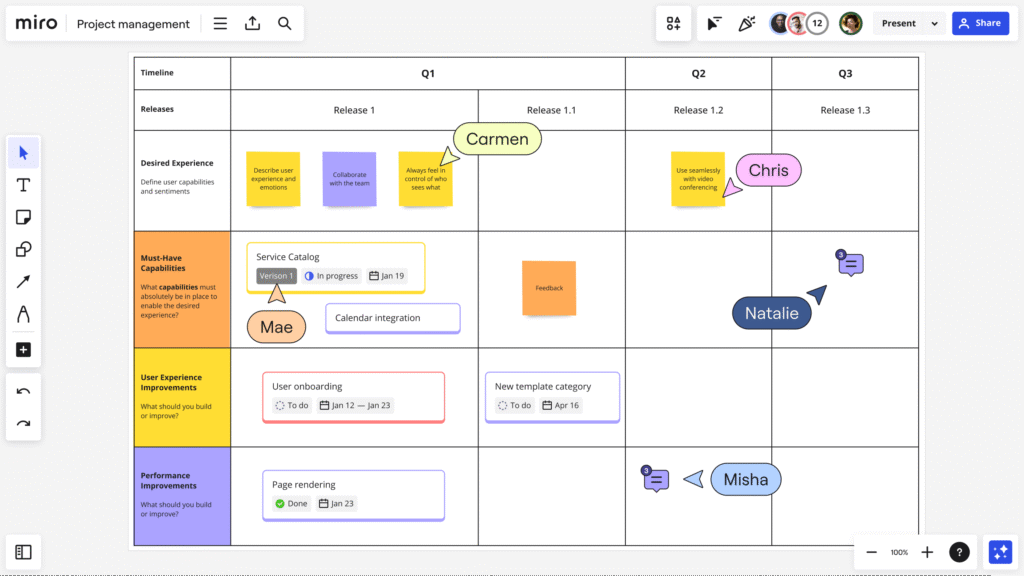
The biggest difference with Miro is the speed at which you can organize things. You create flows using drag-and-drop. You can also start a meeting in minutes with ready-made templates. Furthermore, you clarify responsibilities with comments and mentions. On the other hand, an infinite canvas can sometimes create clutter. Therefore, divide the areas using page logic. Ultimately, canvas discipline determines productivity.
On the product and design side, Miro shines in its discovery workshops. You gather the user journey on a single canvas. You also create wireframe-like blocks. Furthermore, you record team feedback in the same place. If you want to establish an end-to-end design process... UI/UX design approach Connect this to the flow as well. On the other hand, everyone typing at the same time creates noise. Therefore, state the session rules from the beginning.
Pricing, plans, and total cost approach.
Miro offers different plans in terms of pricing. First, clarify the number of people in your team. Also, specify which features are essential. Furthermore, evaluate your management, security, and integration needs. [Formal plan details follow] From Miro's pricing page Check it. On the other hand, don't just think of the cost as the license alone. Therefore, also take into account the training and setup time. Ultimately, the right plan reduces the total cost.
Integrations, template ecosystem, and productivity.
Miro enhances workflow through integrations. You connect with calendar, task, and document tools. You can also convert meeting output into tasks. Furthermore, the template library speeds up the process. On the other hand, too many templates can confuse standards. Therefore, choose the “single correct set of templates” for the team. Ultimately, everyone will be on the same page.
Pros and cons: an honest assessment
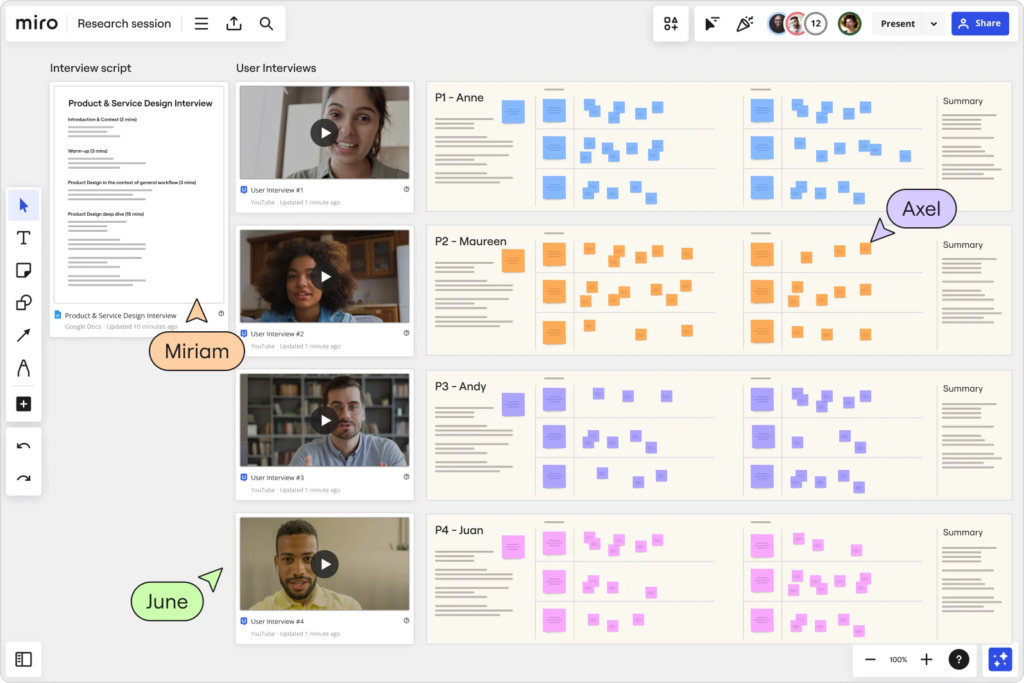
Miro's advantages are clearly visible. You set up quickly, and the team produces simultaneously. It also facilitates visual thinking and makes the meeting more tangible. However, templates yield results on the first day. On the other hand, the large canvas requires control and discipline. Also, newcomers experience a short adjustment period. Ultimately, process management is essential.
Security, access and governance side
Corporate teams prioritize security. Clearly define your sharing settings. Also, allow controlled guest access. Keep your role and permission matrix simple. On the other hand, file clutter creates a feeling of information leakage. Therefore, establish a standard for folders and naming conventions. If you are managing the launch process... campaign and launch strategies Connect them to the same system. As a result, everyone can work safely and quickly.
Tips: Get faster results with Miro.
First, select and lock the canvas template. Then, write the agenda at the top and specify the deadlines. Also, create a decision area and move the decisions there. Group the action cards with a different color. On the other hand, you lose focus if everyone writes at the same time. Therefore, clearly define the moderator role and proceed in turn. As a result, the output will be ready when the meeting is over.
When do Miro alternatives make sense?
Some teams prefer lighter tools. If you're just doing basic note-taking and task tracking, Miro might be overkill. Also, in very document-focused processes, other solutions might feel more comfortable. However, if visual workshops are at the heart of your work, Miro remains powerful. On the other hand, if there are budget constraints, carefully compare plans. Therefore, consider team habits and goals together. Ultimately, the right tool suits the rhythm of your work.
If this Miro review has given you a clear framework, take action immediately. Schedule one pilot meeting with your team and choose a single goal. Also, start with two templates and measure the results. Furthermore, write down the terms of use within 7 days. On the other hand, establish standards without creating confusion. So, try, measure, and improve quickly. Share your brief now and let's create the most efficient Miro setup for your team together.

In today's highly competitive market, brands cannot achieve growth simply by offering products or services. It is necessary to establish a strong communication language. Similarly…
Our clients frequently ask, "What is Next.js and what is it used for?" This is because the choice of technology directly impacts speed and SEO results.